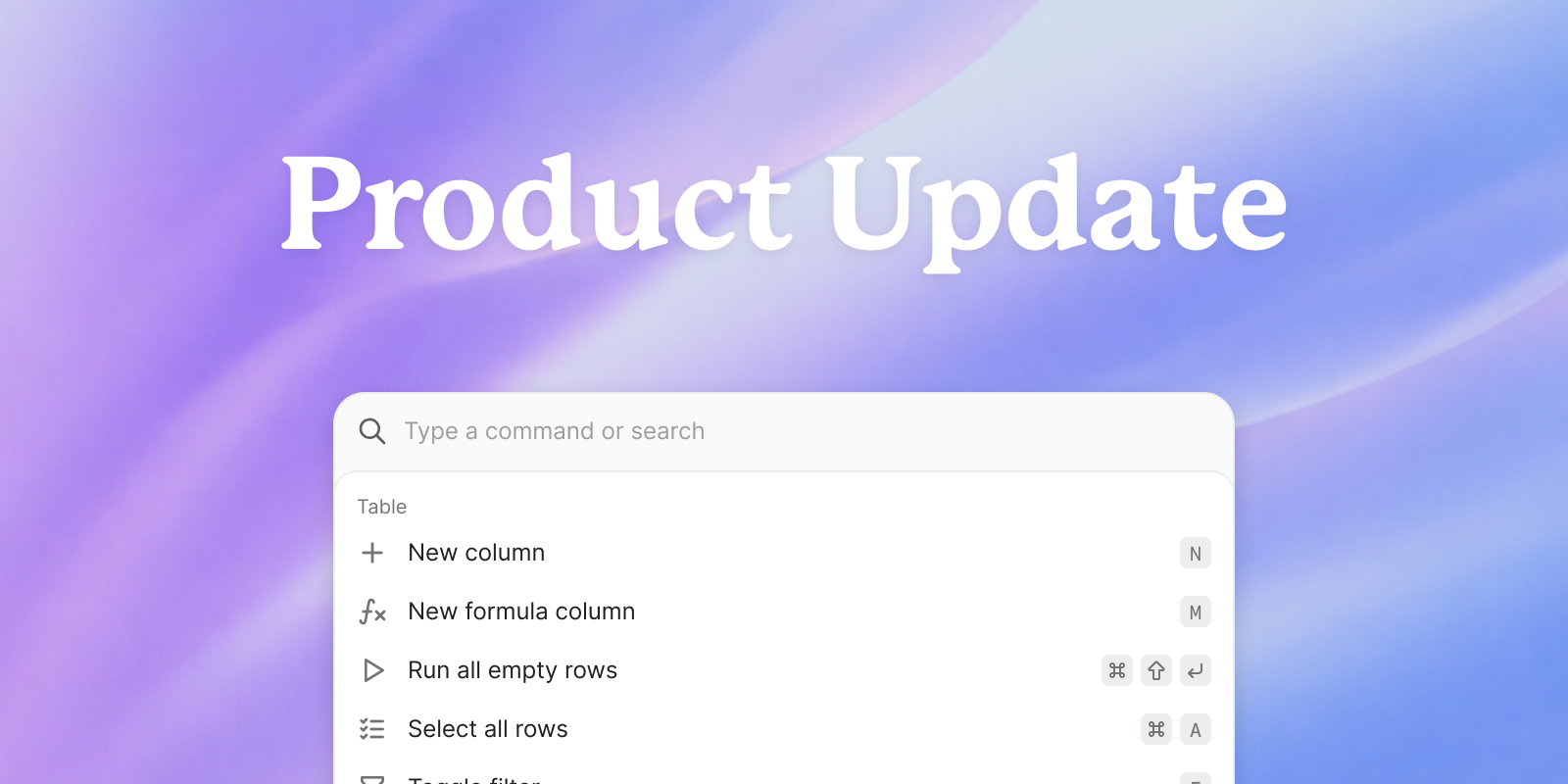

Freckle is built around tables. Every workflow, enrichment run, and CRM update starts there.
When most of your work happens in one place, the speed of interaction matters. The fewer clicks between you and the action you want to take, the smoother the workflow feels.
That’s why keyboard shortcuts (hot keys) now live in Freckle. They make common actions easier to trigger while you’re already working, so you can move through workflows with less interruption.
What’s included
The first release of hot keys focuses on core actions across columns, rows, and tables.
Below is the full list of shortcuts currently available:

How to access shortcuts
All shortcuts live inside the shortcut menu.
Press Command + K at any time to open it. From there, you’ll see the full list of available actions and their key combinations. There’s no expectation that you memorize everything. The menu is always one shortcut away, and the keys you use repeatedly will become second nature.
Why this matters
Freckle workflows are made up of repeated actions. Creating columns, running enrichment, filtering records, toggling settings. In larger tables, those steps stack up quickly.
Hot keys shorten the gap between action and outcome. The faster you can trigger the next step, the faster your data is ready to sync and use.
How this fits into what’s next
Hot keys are part of a broader push to make Freckle easier to move through every day.
Over March and April, we’re shipping major workflow improvements across the product. The focus is on momentum: how quickly you can trigger actions, navigate between workflows, and stay in flow while shaping data.
We want your feedback
If you try the shortcuts and something feels missing or awkward, tell us. Share the action you expected to reach faster or the workflow that could be smoother.
We build for operators running real workflows. Your feedback determines what we add next (really).