
Tables are where RevOps teams do real work. Scoring leads, enriching records, applying logic, and shaping messy inputs into CRM-ready data.
As enrichment and scoring become real infrastructure, that work needs to compound over time. Workflows should carry forward, adapt to new sources, and stay easy to maintain as data changes.
When tables are hard to reuse or adjust, small changes turn into rebuilds. Logic gets duplicated. Maintenance gets harder than it should be.
So, naturally, we shipped two updates that make Freckle tables easier to reuse and easier to maintain: pulling columns from existing tables into new tables, and changing the source of a CRM synced table.
How it works
1. Pull columns from existing tables into new tables
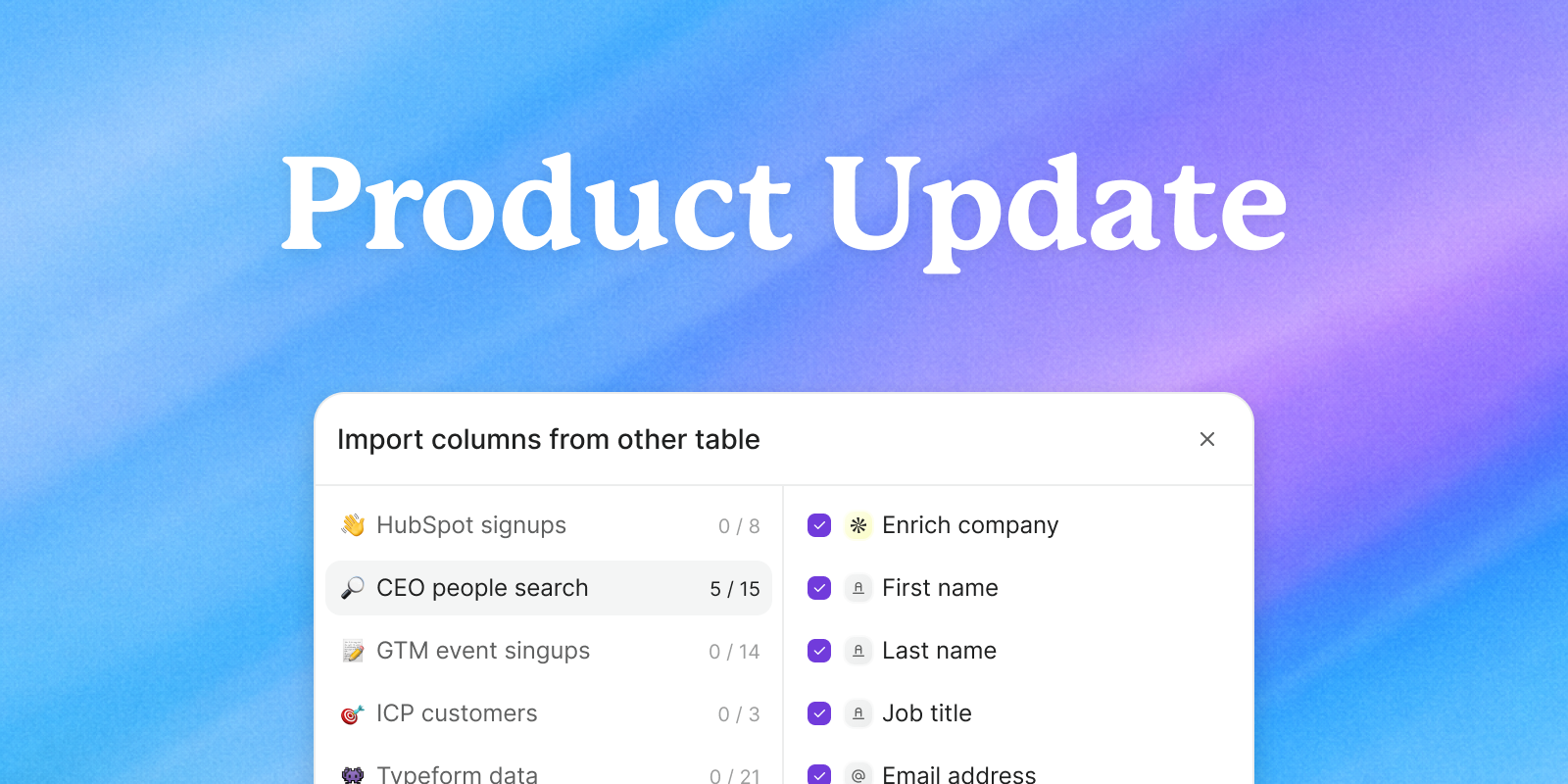
When you create a new table in Freckle, you can now pull in columns from any tables you’ve already built. Good work no longer goes to waste.
This includes lead scoring set-ups, enrichment queries, and conditional logic, among others. Instead of recreating the same setup every time, you can reuse what already works.
To get started, head to “Add new column” and select the option to “Import from other table.” Choose the columns you want to bring over, and your workflow carries forward with them.
2) Change the source of a table
You can now change where a table pulls data from without tearing down the workflow built around it or worse taking screenshots of what you built.
The first iteration supports CRM synced tables, starting with Salesforce and HubSpot. If you need to adjust the source, open the table settings by selecting the three dots on the upper right, select “Duplicate” then “Without row data” and finally “Yes, choose a different source.” Your existing columns and logic stay intact with this new CRM sync.
Both features live directly inside Freckle’s spreadsheet-style interface, keeping workflows visible, traceable, and easy to reason about. You always retain control over enrichment, scoring, and what gets written back to your CRM.
Why it matters
These updates solve a very real day-to-day problem. But the bigger impact shows up over time. Over time, most teams don’t struggle with rebuilding. They struggle with consistency.
When logic lives in multiple tables, small differences creep in. Scoring changes in one place but not another. Sources drift. No one is sure which workflow to trust.
Reusable columns and flexible sources help keep logic aligned as your system grows. That’s what makes enrichment sustainable at scale.
Why it matters
These updates solve a very real day-to-day problem. But the bigger impact shows up over time. Over time, most teams don’t struggle with rebuilding. They struggle with consistency.
When logic lives in multiple tables, small differences creep in. Scoring changes in one place but not another. Sources drift. No one is sure which workflow to trust.
Reusable columns and flexible sources help keep logic aligned as your system grows. That’s what makes enrichment sustainable at scale.
How teams are using it
We’re already seeing teams use these updates to keep workflows consistent as they scale:
- Scaling enrichment workflows: reusing enrichment and scoring columns across multiple tables to keep logic consistent across campaigns.
- Adapting to new data sources: repointing tables when CRM schemas or lead sources change instead of rebuilding workflows.
- Reducing onboarding overhead: helping new operators stand up workflows faster by inheriting proven logic.
In each case, the value comes from preserving work that already delivers results and removing setup work that doesn’t.
What's next
These updates reflect how we think about building Freckle.
We’ll continue to ship major launches and new capabilities with velocity. But, we’ll also invest heavily in the small, everyday improvements that make a platform usable over time. The moments of friction that slow operators down are the ones that matter most when enrichment becomes core infrastructure.
Ease of use is not a bonus feature. It’s a core reason teams choose Freckle. We’re building for the operators, and we’ll keep refining the platform so workflows stay fast, predictable, and easy to maintain as your data evolves.
If you have feedback on these updates or ideas for what would make tables even easier to work with, we’d love to hear from you.